iOS 27 Is Here: Siri AI Turns the iPhone Into an Assistant, With a Major Regional Catch
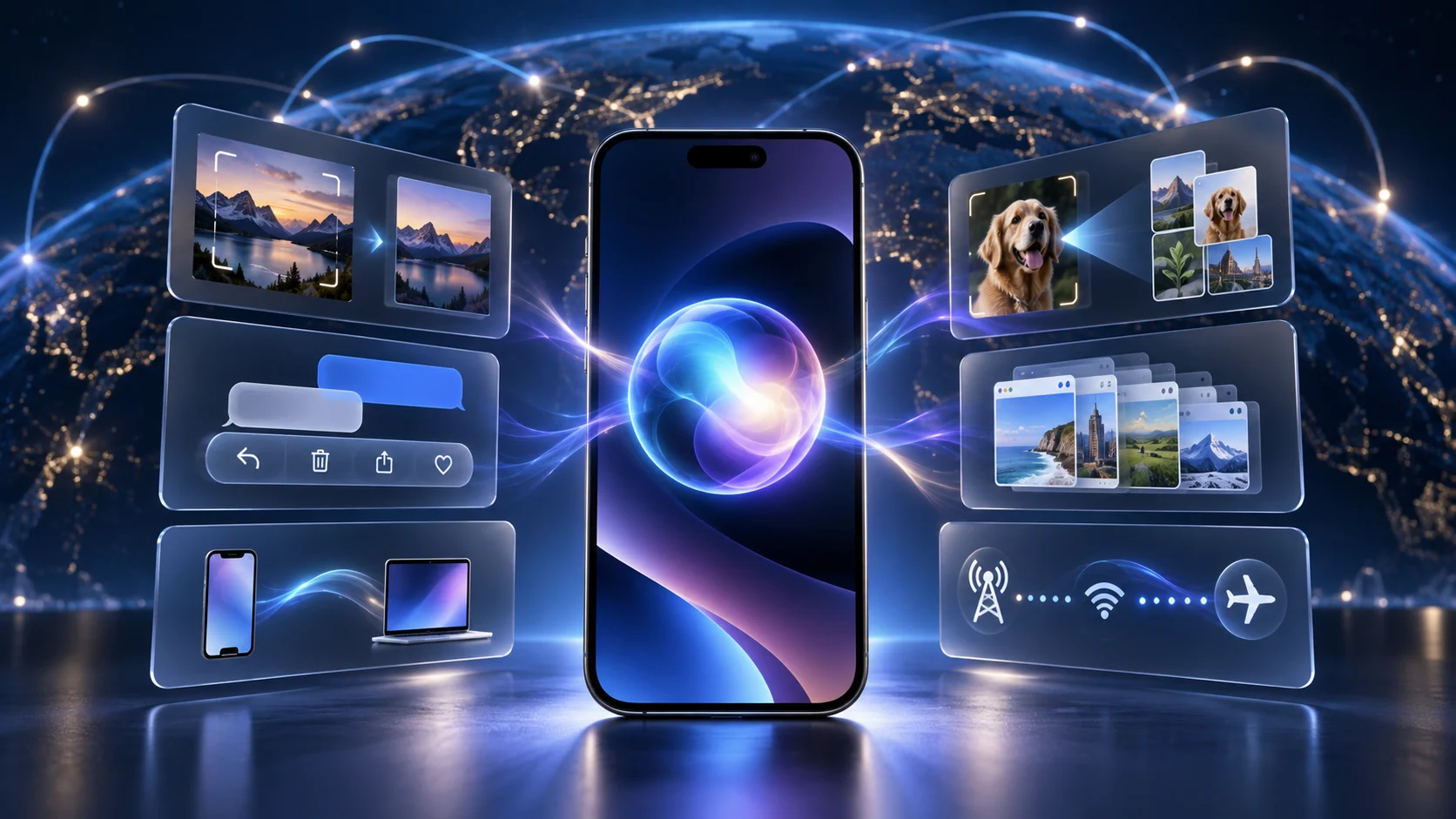
iOS 27 is a meaningful global upgrade led by Siri AI and backed by concrete system improvements, but its headline experience remains fragmented by hardware, language, region and features still scheduled for later.
# iOS 27 Is Here: Siri AI Turns the iPhone Into an Assistant, With a Major Regional Catch
iOS 27 began rolling out on September 14, and Apple is treating it as an AI release. The first thing on the global product page is Siri AI: a conversational assistant that can use personal context, work across apps, see through the camera and continue a conversation in a dedicated Siri app.
That headline comes with two caveats. Siri AI is initially rolling out in English, and Apple Intelligence remains unavailable in mainland China. The regional gap is significant, but elsewhere iOS 27 is more than a cosmetic annual update. It combines Apple’s long-delayed assistant overhaul with unusually concrete performance work and a second pass at Liquid Glass.
The bottom line: AI is the headline, performance is the safety net
For supported users, Siri AI is the reason iOS 27 feels like a new chapter rather than another collection of small utilities. It moves Siri closer to a general assistant: users can have open-ended conversations, ask it to retrieve personal information and request actions across multiple Apple apps.
The upgrade still has value if those AI features are unavailable or unsupported. Apple says app launches can be up to 30% faster, new photos can appear in the library up to 70% faster, and AirDrop transfers can be up to 80% faster. Those are Apple’s controlled tests, not promises that every phone will hit the maximum, but they give the non-AI half of the release a measurable purpose.
Siri AI is finally designed around tasks, not isolated commands
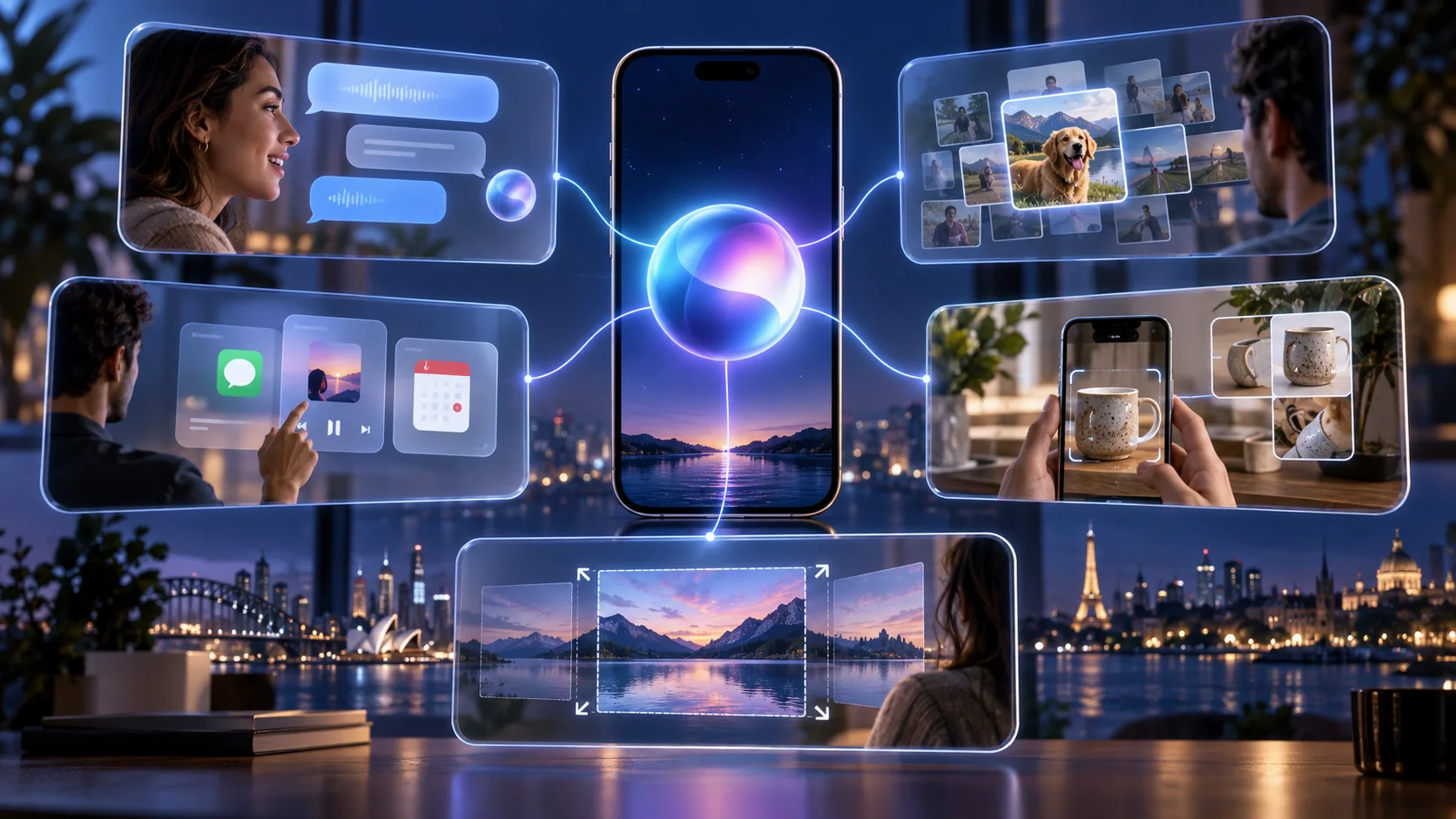
The old Siri was built around short, precisely phrased requests. Siri AI accepts natural back-and-forth conversation and open-ended questions. It can use information already stored on the phone to find a photo from years ago, locate a buried email or retrieve a note without making the user remember where it lives.
More importantly, it can take actions in apps including Messages, Music and Reminders based on what the user is doing. Apple’s examples include editing a message that was just sent and adding a song heard in the car to a workout playlist. A new standalone Siri app keeps conversations together and lets a user start on an iPhone and continue on an iPad.
Camera gains a Siri mode built on Visual Intelligence. Point the viewfinder at an object, ask what it is, then search or take an action from the result. Users can also customize Siri’s voice and ask it to draft or revise writing from almost any text field.
Apple Intelligence now reaches photos, calls, messages and Safari
Photos receive Spatial Reframing, an Extend tool that expands the frame and a stronger Clean Up tool for removing larger objects. Image Playground adds photorealistic output and prompt-based transformations. Usage limits may apply to some generative features.
Messages and Mail can surface one-tap Suggestions from the context of a conversation, such as creating a calendar event or finding a related image. Call Context can pull up a relevant confirmation number while the user is speaking with a business. Safari can automatically group related tabs and use Notify Me to watch a page for a price change or restock.
Not every announced feature ships on day one. Apple says automatic password fixing and the ability to create a Shortcut from a natural-language description will arrive in a future software update. Messages and Mail Suggestions are currently available in English. iOS 27 is a real AI release, but it is still a staged one.
The rest of iOS 27 is a practical refinement release
Apple has revised Liquid Glass after a year of real-world use. Refraction is more uniform, contrast is stronger, icons are sharper, and a new appearance slider lets users choose between a very clear look and a more heavily tinted one. The change reads less like another redesign and more like a correction to the readability problems of the first version.
Messaging behaves better on poor connections. Large photos and videos can continue uploading while text messages move ahead, with a visible sending indicator for the media. The system also makes smoother decisions between Wi‑Fi and cellular, which should reduce interruptions when a user leaves home with navigation running or steps off a plane during a call.
Mail search receives a new relevance ranking system. Accessibility additions include richer VoiceOver image descriptions, automatic synchronized captions for video and translation of existing captions. Shared Albums become easier for Android and Windows users to join through iCloud.com, with full-resolution sharing and improved reactions and filters.
Child safety is the other substantial platform change
Parents can now decide which built-in apps a child can use during Setup Assistant. Ask to Browse requires children to request permission before visiting a new website, with the request appearing in Messages for review.
Communication Safety already intervened around nudity; in iOS 27 it expands to graphic and violent images or video. New Time Allowances work by category, while Schedules determine which apps are available at different times or on different days. Apple has also redesigned the parental-control dashboard to make temporary access changes easier.
These features are less exciting than a generative assistant, but they affect families every day and do not depend on a frontier model answering correctly.
Who can install it, and who gets the AI features
iOS 27 supports the iPhone 11 family, iPhone SE (second generation) and later devices, through the current iPhone lineup. Apple Intelligence has a narrower hardware requirement: iPhone 15 Pro models, all iPhone 16 models and newer.
Availability also depends on language and region. Siri AI is rolling out first in English. Apple’s support page says Apple Intelligence is currently unavailable on supported devices purchased in mainland China. A supported device bought elsewhere is also blocked when it is in mainland China and the Apple Account region is set to mainland China.
That distinction matters: installing iOS 27 is not the same as receiving every feature shown on Apple’s global page. Buyers should check the feature-availability page for their language and region rather than relying on keynote demonstrations.
Our take: Apple has shipped a stronger foundation, not the finished assistant
Apple has finally connected Siri to the places where an assistant can be useful: personal information, apps, the camera and ongoing conversations. That is a meaningful architectural shift. It also raises the stakes. Once Siri can act rather than merely answer, reliability, privacy boundaries and recovery from a wrong action matter more than a polished demo.
The non-AI improvements make iOS 27 easier to recommend than a feature list suggests. Faster launches and transfers, better network handoff and clearer glass effects address daily friction. They also prevent the release from being empty on devices that cannot run Apple Intelligence.
Still, the rollout is fragmented by hardware, language, region and delayed features. The honest description is not “the new Siri is finished.” It is that Apple has released the first broadly usable version of its task-oriented assistant, while several important pieces remain gated or scheduled for later.
What remains unknown
Apple has not published a timetable for Apple Intelligence in mainland China. It has also not quantified the usage limits attached to some Siri AI and image-generation features, or shown how often complex app actions fail in normal use.
Independent testing should now focus on three things: whether the 30%, 70% and 80% performance claims hold across older phones; whether personal-context retrieval finds the right information without overreaching; and whether app actions are predictable enough to trust with messages, calendars and photos.
Why it matters
The smartphone race is shifting from displaying apps to completing tasks. iOS 27 is Apple’s clearest attempt to make that transition at the operating-system level. Its success will be measured less by benchmark scores than by whether people choose to ask Siri before opening an app themselves.